
High-FPS 1080p & Smooth 1440p Gamers
The 7700X and RTX 5060 Ti combo deliver strong, consistent frame rates across today’s most popular titles.
★★★★★ 5 (200+ builds shipped)
$2,199.99 – $2,329.99Price range: $2,199.99 through $2,329.99
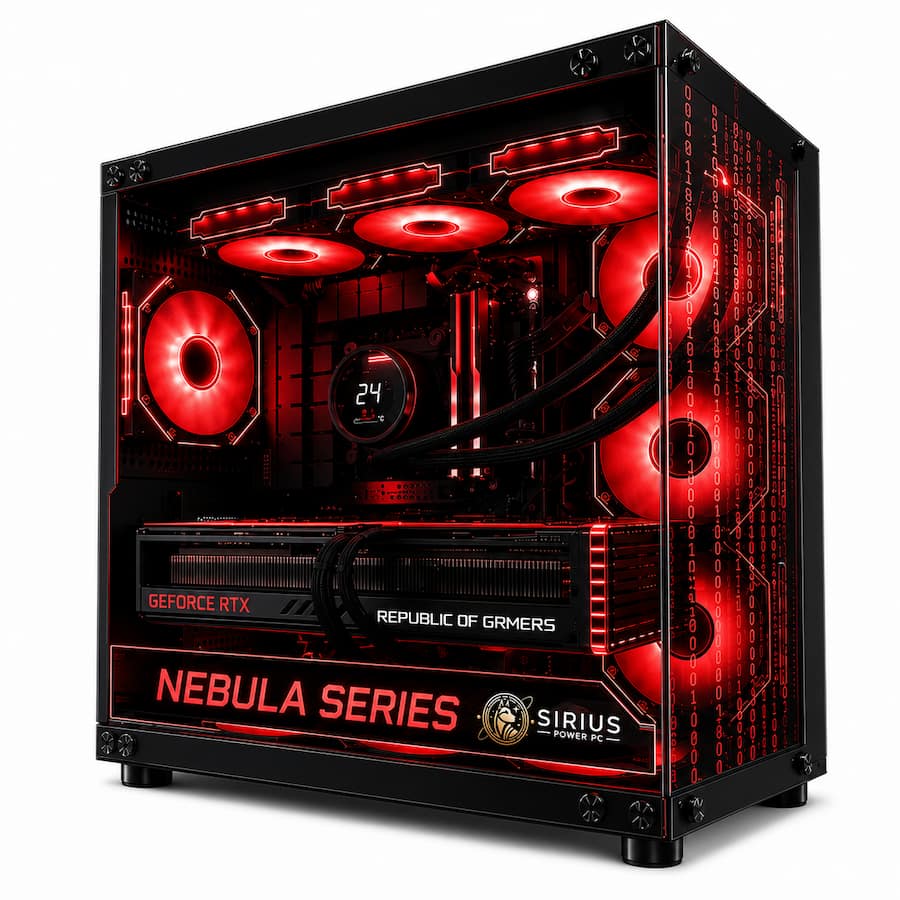
The Nebula V2 pairs an AMD Ryzen 7 7700X with an RTX 5060 Ti 16GB for smooth high-FPS 1080p and 1440p gaming, with RX 9060 XT 16GB, RTX 5070 12GB, and RX 9070 16GB also available at checkout. Every component below can be customized before checkout.
✓ AMD Ryzen 7 7700X — 8-Core / 16-Thread, 4.5GHz Base
✓ MSI Ventus 2X Plus RTX 5060 Ti 16GB (also available: RX 9060 XT 16GB, RTX 5070 12GB, RX 9070 16GB)
✓ 32GB (2×16) DDR5-6000 CL36
✓ 1TB Crucial P310 PCIe 4.0 NVMe SSD
✓ 360mm AIO + 10 High-Performance Case Fans
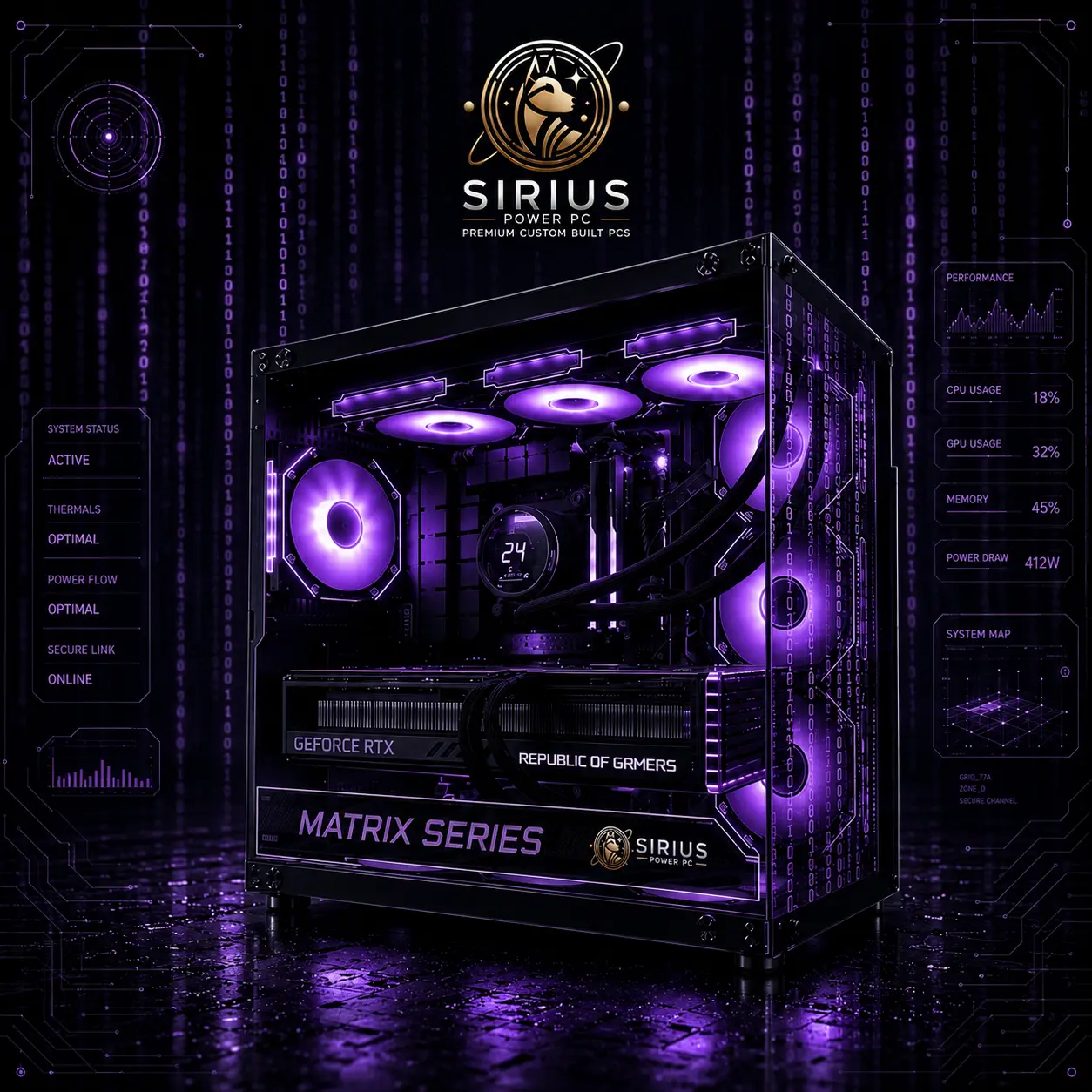
✓ 850W PSU · Matrix Series Chassis
This is the starting configuration. PC case finish and graphics card can both be changed in the configurator above before checkout.
| Component | Specification | What It Delivers |
|---|---|---|
| CPU | AMD Ryzen 7 7700X (8 Cores / 16 Threads, 4.5GHz Base / 5.4GHz Boost) | Fast gaming performance with strong multi-core capability |
| GPU | MSI Ventus 2X Plus RTX 5060 Ti 16GB (RX 9060 XT 16GB, RTX 5070 12GB, or RX 9070 16GB configurable) | Excellent 1440p performance with modern features |
| Motherboard | MSI B650 Gaming Plus WiFi (ATX, AM5) | Reliable AM5 platform with Wi-Fi |
| Memory | 32GB (2×16) DDR5-6000 CL36 | More headroom for gaming, streaming, and heavy multitasking |
| Storage | Crucial P310 1TB PCIe 4.0 NVMe SSD | Fast boot times and responsive game loads |
| Cooling | 360mm AIO Liquid Cooler | Keeps boost clocks stable and quiet |
| Case | Sirius Matrix Series Chassis (Black or White) | Clean airflow-focused design |
| Case Cooling | 10 High-Performance Case Fans | Strong airflow out of the box |
| Power Supply | 850W PSU | Stable power with future upgrade headroom |
| OS | Windows 11 Pro 64-bit | Gaming and productivity ready |
| Warranty | 3-Year Labor + Manufacturer Part Warranties | Covered support for the life of the build |
Estimated ranges for the base RTX 5060 Ti 16GB configuration. Actual FPS varies by game patch, drivers, in-game settings, and selected GPU option.
| Game | 1080p Ultra | 1440p High | Experience |
|---|---|---|---|
| Call of Duty: MWIII | 200+ FPS | 140 FPS | Smooth and responsive |
| Fortnite UE5 | 240+ FPS | 155 FPS | High-refresh ready |
| Apex Legends | 260+ FPS | 165 FPS | Competitive smoothness |
| Cyberpunk 2077 (DLSS) | 120+ FPS | 85–95 FPS | Clean visuals |
| Baldur’s Gate 3 | 180+ FPS | 110 FPS | Fluid RPG gameplay |
This table matches the figures already published on the live page for the base RTX 5060 Ti configuration — carried over unchanged.
The Ryzen 7 7700X and RTX 5060 Ti 16GB combination is built for gamers who want strong, reliable performance without paying flagship prices.
The 7700X and RTX 5060 Ti combo deliver strong, consistent frame rates across today’s most popular titles.
A meaningful generational leap in both CPU and GPU performance.
NVIDIA encoding and 8 CPU cores keep OBS streaming stable while gaming.
32GB of DDR5 gives Discord, browser tabs, launchers, and recording software room to run together.

Hand-Built in the USA
Every gaming PC is assembled by experienced builders using premium components and meticulous attention to detail.
Stress-Tested for Reliability
Every system undergoes extensive stress testing and performance validation before it leaves our workshop.
Zero Unnecessary Bloatware
Our gaming PCs arrive clean and optimized, so you can install your favorite games and start playing sooner.
Secure Wooden Crate Shipping
Every gaming desktop is packaged in our protective wooden crate to help safeguard your investment during shipping.
3-Year Labor Warranty
Enjoy added confidence knowing your gaming PC is backed by comprehensive labor warranty coverage.
Lifetime Technical Support
Our experienced support team is here to help whenever you need assistance, upgrades, or technical guidance.
The Nebula V2 can be configured with an RTX 5060 Ti 16GB, RX 9060 XT 16GB, RTX 5070 12GB, or RX 9070 16GB. The NVIDIA options add DLSS and ray tracing features, while the AMD options offer strong raster performance and, in the case of the RX 9070, higher VRAM. Pricing adjusts based on which card you select in the configurator.
Both use the Matrix Series chassis, but the Nebula V2 steps up to the 8-core Ryzen 7 7700X, 32GB of DDR5, and a configurable GPU starting at RTX 5060 Ti 16GB, while the Nebula V1 uses the 6-core Ryzen 5 7600X with a fixed RTX 5060 8GB. Choose the V2 for more CPU headroom, more memory, and GPU flexibility, or the V1 for the lowest cost of entry.
Yes. The RTX 5060 Ti 16GB delivers smooth 1440p performance in modern titles, and the 32GB of DDR5 memory helps keep frame times consistent even with background apps running.
Yes. 32GB gives you plenty of headroom to run a game, OBS, Discord, a browser full of tabs, and launchers at the same time without slowdown.
Both case finishes use identical internal hardware and performance — the choice is purely aesthetic, so pick whichever fits your setup.

RTX 5080 16GB
AMD Ryzen 9 9950X3D
ASUS PRIME X870-P
RGB 32GB
Crucial P310 2TB PCIe 4.0 NVMe
$4,159.99 Original price was: $4,159.99.$3,939.99Current price is: $3,939.99.

RTX 5090 32GB
AMD Ryzen 7 9850X3D
ASUS PRIME X870-P (ATX, AM5)
32GB (2×16) DDR5-6000 CL36
2TB PCIe 4.0 NVMe
$9,439.99 Original price was: $9,439.99.$9,279.99Current price is: $9,279.99.

Radeon RX 9060 XT 8 GB
AMD Ryzen 5 7600X3D
MSI B650 GAMING PRO WIFI6E
G.Skill Flare X5 16 GB
Crucial P310 1 TB PCIe 4.0 NVMe
$1,854.99 Original price was: $1,854.99.$1,699.99Current price is: $1,699.99.
The Nebula V2 is built for gamers who want strong, reliable performance without paying flagship prices. The Ryzen 7 7700X’s 8 cores and 16 threads deliver fast gaming performance along with strong multi-core capability for streaming and multitasking.
The base configuration pairs the CPU with the MSI Ventus 2X Plus RTX 5060 Ti 16GB, but the Nebula V2 can also be configured with the RX 9060 XT 16GB, RTX 5070 12GB, or RX 9070 16GB at checkout. The CPU ensures that whichever GPU you select operates without bottlenecks in competitive and AAA titles alike.
This approach makes the Nebula V2 adaptable to different budgets and performance priorities while maintaining a strong core foundation.
The Nebula V2 gives you a meaningful choice of GPU at checkout, and each option serves a slightly different priority.
Delivers excellent 1080p and 1440p performance with 16GB of VRAM, along with DLSS support for clean visuals in demanding titles.
A strong AMD alternative with 16GB of VRAM, well suited for buyers who want more headroom without moving to NVIDIA-specific features.
A step up in NVIDIA-optimized performance, better suited for buyers who prioritize ray tracing and upscaling features over maximum VRAM.
The strongest AMD option available for this build, offering the most raw raster performance and VRAM headroom of the four choices.
If you want a balance of price and performance, the base RTX 5060 Ti is a strong default. If you prioritize AMD’s raster performance and VRAM, the RX 9060 XT or RX 9070 are worth considering. If NVIDIA-specific features matter most, the RTX 5070 is the better fit.
The Nebula V2 includes 32GB (2×16) of DDR5-6000 CL36 memory, providing more headroom than a standard 16GB configuration for gaming, streaming, and heavy multitasking.
This is particularly useful for:
The MSI B650 Gaming Plus WiFi motherboard runs on the AM5 platform, giving the Nebula V2 built-in Wi-Fi and future CPU upgrade support.
The Nebula V2 includes a Crucial P310 1TB PCIe 4.0 NVMe SSD, delivering fast boot times and responsive game loading.
As game libraries or recorded content grow, additional storage can be added later without needing to replace the existing drive.
The Nebula V2 is designed to maintain stable performance during extended gaming sessions. The 360mm AIO liquid cooler keeps the 7700X’s boost clocks stable and quiet under sustained load.
With 10 high-performance case fans built into the Matrix Series chassis, the Nebula V2 delivers strong airflow from the start, helping maintain consistent performance during long gaming or streaming sessions.
The figures below reflect the base RTX 5060 Ti 16GB configuration. Actual performance will vary with the GPU option selected at checkout:
| Game | 1080p Ultra | 1440p High | Experience |
| Call of Duty: MWIII | 200+ FPS | 140 FPS | Smooth and responsive |
| Fortnite UE5 | 240+ FPS | 155 FPS | High-refresh ready |
| Apex Legends | 260+ FPS | 165 FPS | Competitive smoothness |
| Cyberpunk 2077 (DLSS) | 120+ FPS | 85–95 FPS | Clean visuals |
| Baldur’s Gate 3 | 180+ FPS | 110 FPS | Fluid RPG gameplay |
This makes the Nebula V2 a strong baseline system, with the option to scale up GPU performance at checkout if your budget and needs call for it.
The Nebula V2 is designed to adapt to future needs without requiring a full rebuild.
This ensures the Nebula V2 remains relevant as performance needs evolve over time.
It depends on your priorities. The base RTX 5060 Ti offers a strong balance of price and performance, the RX 9060 XT and RX 9070 provide strong AMD raster performance and VRAM, and the RTX 5070 is a good fit if NVIDIA-specific features matter most to you.
Yes. The base RTX 5060 Ti 16GB delivers smooth 1440p performance, and upgrading to the RTX 5070 or RX 9070 at checkout provides even more headroom.
Yes. The 8-core 7700X and 32GB of DDR5 memory are well suited for running OBS, Discord, and recording software alongside your game.
Yes. Storage, memory, and GPU upgrades are all supported, and the AM5 platform allows future CPU upgrades without replacing the motherboard.
Yes. The 360mm AIO and 10 case fans maintain stable temperatures and quiet operation under sustained load.